PC Case Fans

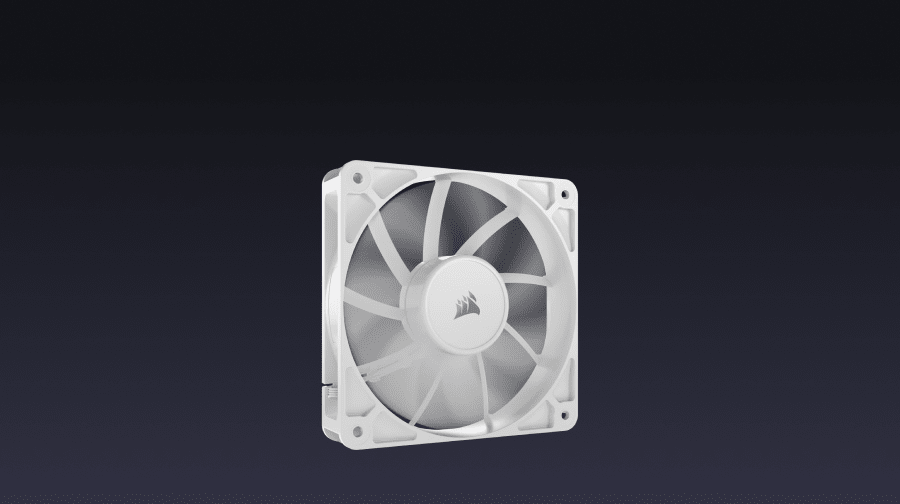
PC Case Fans
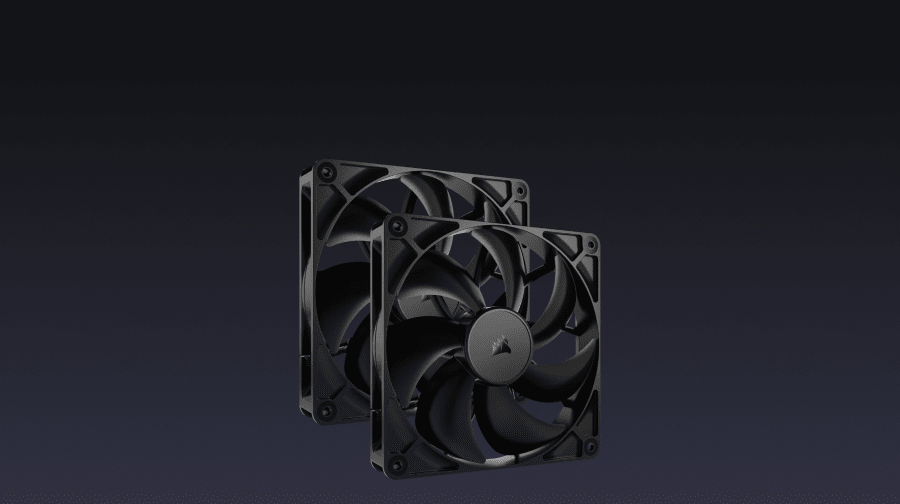
Upgrading your PC's cooling is one of the most effective ways to protect your components and keep thermals in check during long gaming or work sessions. CORSAIR PC case fans give you real options: whether you're prioritizing raw airflow, targeted static pressure, quiet operation, or RGB lighting that ties into your full setup.
Airflow vs. Static Pressure: Choosing the Right PC Fan
Not every fan is built for the same job. Understanding the difference helps you get the most from your build:
- Airflow fans: Move large volumes of air across open spaces, making them a strong choice for front intake or rear exhaust positions.
- Static pressure fans: Designed to push air through resistance — such as a radiator or a dense dust filter — where airflow fans would lose efficiency. Browse CORSAIR's high static pressure case fans to find the right fit.
- Fan matching: Many CORSAIR fans are optimized for one or the other, so matching the fan to its position in your case matters.
Fan Size and Case Compatibility
Common fan sizes include 120mm and 140mm. Larger fans can move more air at lower RPMs, which often means quieter operation. Before purchasing, check how many fan slots your case supports and which sizes fit each position. Mixing sizes is common — for example, 140mm intake fans paired with 120mm exhaust fans in certain case layouts.
RGB PC Fans: Performance and Lighting Together
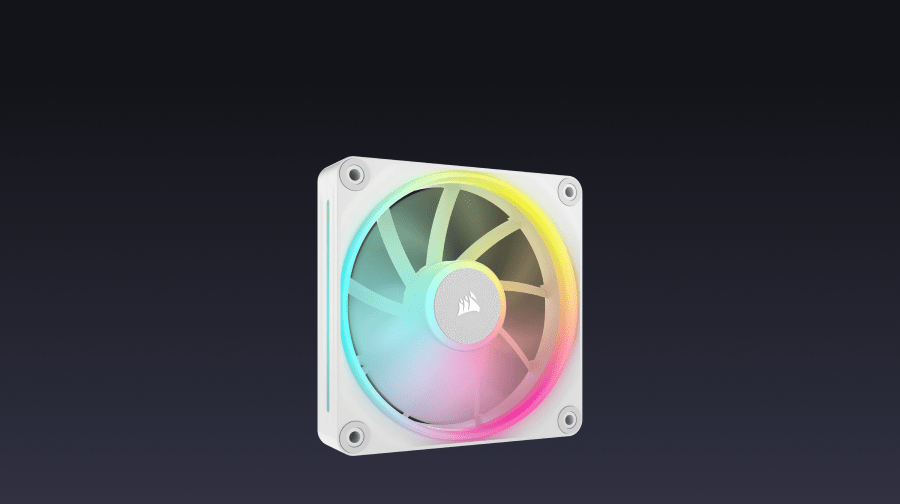
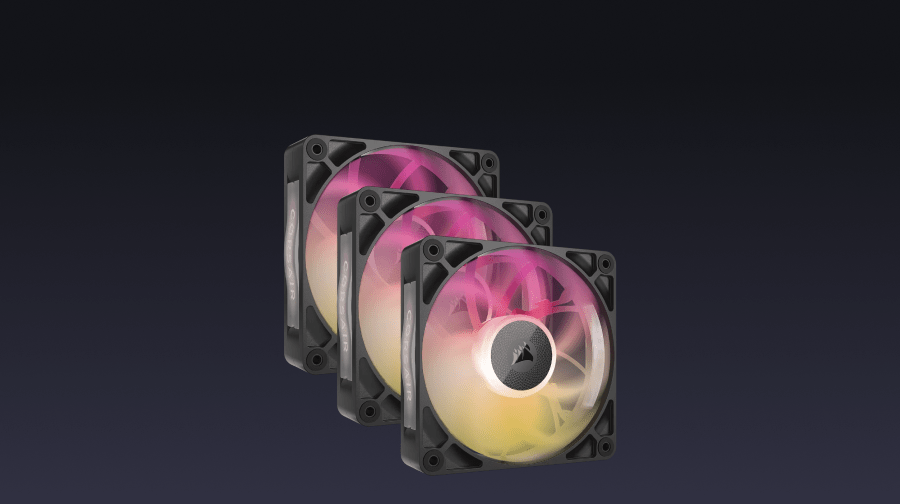
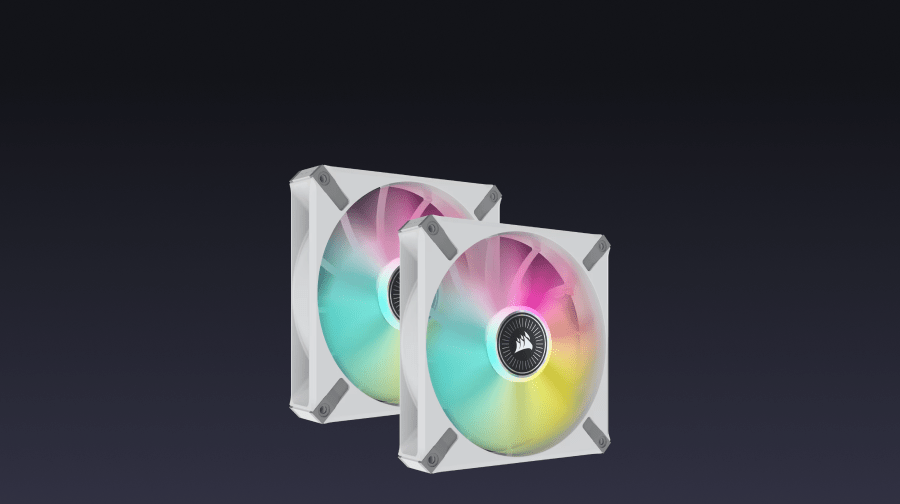
CORSAIR RGB PC fans let you add dynamic lighting without trading away cooling performance. RGB case fans in the CORSAIR lineup connect through iCUE software, giving you centralized control over lighting effects across fans, coolers, and other compatible components. If you're building a showpiece rig or want your lighting to sync across your entire setup, look for fans that are iCUE compatible.
iCUE LINK: Simplified Fan Management
CORSAIR's iCUE LINK ecosystem lets you daisy-chain compatible fans with a single cable connection back to a system hub. This reduces cable clutter and gives you full software control over fan speeds and RGB lighting from one interface. If a cleaner build is a priority, iCUE LINK fans are worth considering from the start.
Building Your Cooling Setup
Think about your full thermal picture when selecting PC fans: how many intake versus exhaust fans you need, whether you're cooling with air or liquid, and how much noise matters to you. CORSAIR offers fans that work across all of these scenarios. Browse the full range to find the right cooling case fan configuration for your build.